
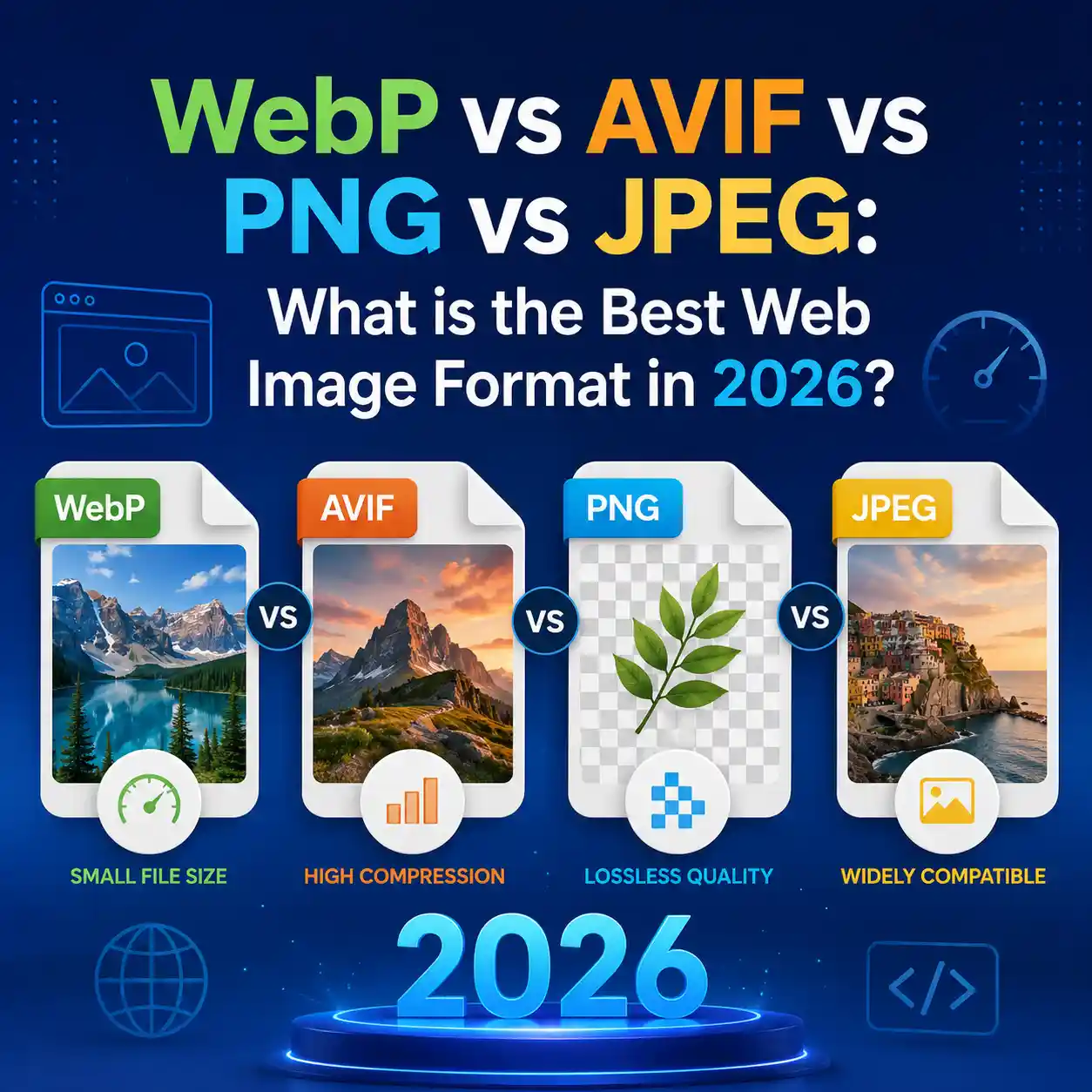
In the early days of the web, choosing an image format was simple: if it was a photo, you used JPEG. If it needed a transparent background, you used PNG. If you wanted it to move, you used GIF. However, as we move through 2026, the landscape of web performance and Core Web Vitals has drastically shifted the rules.
Today, serving heavy, unoptimized JPEGs or PNGs is a fast track to plummeting in Google's search rankings. Modern web browsers support incredibly efficient next-generation formats like WebP and AVIF. But which one should you choose? Should you abandon JPEG entirely? Let's take a deep dive into the technical mechanics, the pros, and the cons of the top four image formats dominating the web today.
The Legacy Titans: JPEG and PNG
Before we understand why modern formats are so powerful, we must understand the limitations of the technologies they are replacing.
JPEG (Joint Photographic Experts Group)
Introduced in 1992, JPEG revolutionized digital imagery by introducing lossy compression. By relying on human biological limitations—specifically, that our eyes are less sensitive to subtle changes in color than changes in brightness—JPEG algorithms discard data that we likely won't notice anyway.
The Catch: JPEG does not support transparency (an alpha channel). Furthermore, at high compression rates, JPEG creates highly visible blocky "artifacts" around sharp edges, making it terrible for screenshots, logos, or UI elements.
PNG (Portable Network Graphics)
Created in 1996 as an open-source alternative to the heavily patented GIF format, PNG uses lossless compression. This means no data is discarded. A PNG image retains absolute pixel perfection, making it the king of flat graphics, logos, and images requiring transparent backgrounds.
The Catch: Because it is lossless, PNG file sizes are absolutely massive compared to JPEGs. Serving a full-width hero photograph as a PNG can result in a 5MB download, utterly destroying a website's Largest Contentful Paint (LCP) score.
The Next Generation: WebP
Developed by Google and widely adopted across all browsers by 2021, WebP was the first true "hybrid" format designed specifically for the modern web.
WebP's magic lies in its ability to handle both lossy and lossless compression, while also supporting transparency and animation. It was designed to replace JPEG, PNG, and GIF with a single extension.
- Lossy WebP: Averages 25% to 34% smaller file sizes than equivalent JPEG images.
- Lossless WebP: Averages 26% smaller file sizes than equivalent PNGs.
Upgrade Your Images Instantly
Don't let legacy formats destroy your Core Web Vitals. Use our secure, offline converter to transform your massive JPEGs and PNGs into highly optimized WebP files right in your browser.
Convert Images to WebPThe Bleeding Edge: AVIF
If WebP was the evolution, AVIF (AV1 Image File Format) is the revolution. Released in 2019 and gaining massive traction in the mid-2020s, AVIF is based on the AV1 video codec.
While WebP uses older video compression techniques (VP8), AVIF leverages modern, incredibly complex algorithms designed for 4K and 8K video streaming. The results are nothing short of astonishing. AVIF can offer file size reductions of up to 50% compared to WebP, with significantly fewer compression artifacts in low-fidelity color zones.
Why Isn't Everyone Using AVIF Yet?
If AVIF is so superior, why isn't it the only format we use? The answer lies in two technical bottlenecks:
- Encoding Time: Because AVIF compression is so mathematically complex, it takes significantly more CPU power to generate an AVIF file than a WebP or JPEG. If you are converting thousands of user-uploaded images on a server, AVIF will spike your CPU costs dramatically.
- Decoding Speed: Older smartphones may struggle to decode massive AVIF files quickly, slightly delaying render times on low-end devices.
Comparison Matrix: Which Should You Use?
To make the decision easier, here is a breakdown of how these formats compare across critical web development metrics in 2026.
| Format | Compression | Transparency | Browser Support | Best Use Case |
|---|---|---|---|---|
| AVIF | Lossy & Lossless | Yes | ~95% | Hero banners, large photography where absolute smallest file size is critical. |
| WebP | Lossy & Lossless | Yes | 99.9% | The gold standard for general web use. E-commerce products, thumbnails, icons. |
| PNG | Lossless Only | Yes | 100% | Archival graphics or as a fallback for older email clients. |
| JPEG | Lossy Only | No | 100% | Legacy fallback only. Do not use for modern web delivery. |
How to Serve Modern Formats Safely (Code Snippet)
While browser support for WebP is virtually universal, AVIF still has some holdouts in legacy systems. The best practice for web development is to use HTML's <picture> element. This allows the browser to negotiate the best format it can understand.
<picture>
  <!-- If the browser supports AVIF, it loads this -->
  <source srcset="hero-image.avif" type="image/avif">

  <!-- If no AVIF, but it supports WebP, it loads this -->
  <source srcset="hero-image.webp" type="image/webp">

  <!-- Fallback for legacy browsers (IE11, older email clients) -->
  <img src="hero-image.jpg" alt="A beautiful landscape" width="800" height="600" loading="lazy">
</picture>
This progressive enhancement strategy ensures that your mobile users save precious bandwidth with AVIF, while your corporate users on outdated software still see a functioning website via the JPEG fallback.
Frequently Asked Questions (FAQ)
Does converting a JPEG to WebP improve its quality?
No. When you convert a lossy format (JPEG) to another lossy format (WebP), you cannot recover the data that was already lost. However, the resulting file will be significantly smaller in megabytes, which improves page speed.
Will Google rank my site higher if I use AVIF instead of WebP?
Google does not explicitly rank sites based on the file extension. However, Google strictly ranks based on Core Web Vitals (specifically LCP). Since AVIF files are smaller, they load faster, which directly improves your LCP score, indirectly boosting your SEO.
Should I convert my website's logo to WebP?
Logos are usually vector graphics. The absolute best format for a logo is SVG (Scalable Vector Graphics), as it relies on math rather than pixels, resulting in infinite scalability and tiny file sizes. If you must use a raster image for a logo, Lossless WebP is an excellent choice.
Final Verdict for 2026
The days of relying on JPEG and PNG are officially over. For 90% of web developers and small business owners, WebP is the absolute sweet spot. It offers universal browser support, lightning-fast encoding times, and massive file size savings.
If you are running a high-traffic media site where every kilobyte of bandwidth costs money, invest the server resources into encoding AVIF files. But for the rest of us, converting your image library to WebP is the highest ROI task you can perform for your website's performance this year.