
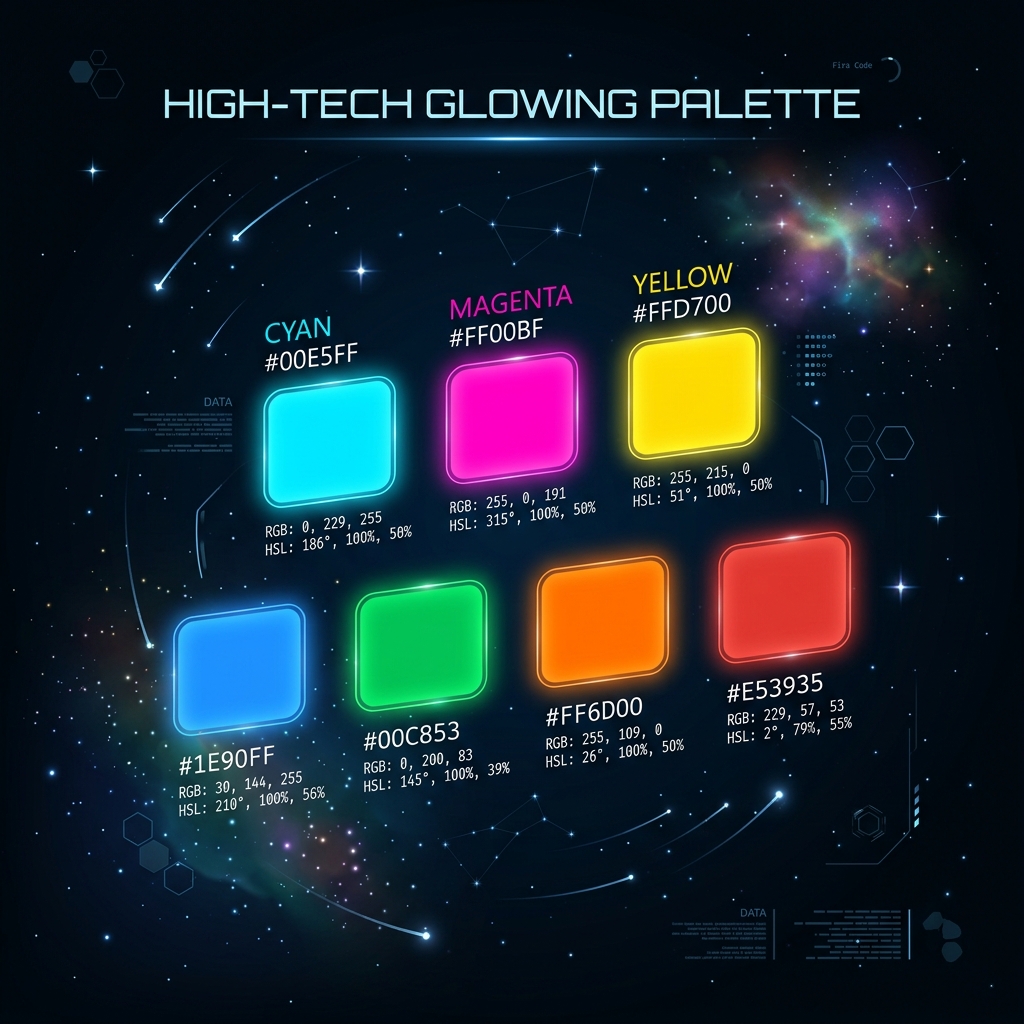
If you've ever tried to design a website, create a logo, or print a business card, you've immediately crashed into the confusing alphabet soup of color codes: HEX, RGB, HSL, and CMYK. Why are there so many ways to describe a simple shade of blue?
The truth is, computers and printers "see" light in fundamentally different ways. Furthermore, how computers process light isn't necessarily how the human brain interprets color. Understanding these formats isn't just theory—it will save you from deploying websites with inaccessible contrast ratios, or paying thousands of dollars for marketing flyers that print out looking muddy and dark.
Additive vs Subtractive Light
Before diving into the code, we must establish the physical difference between screens and paper.
- Screens emit light (Additive). If you turn off all pixels, the screen is black. To make white, a screen fires Red, Green, and Blue light at maximum intensity.
- Paper reflects light (Subtractive). A blank piece of paper is already white (it reflects all light). To make black, a printer layers Cyan, Magenta, and Yellow ink on top of each other to absorb all the light.
1. RGB (Red, Green, Blue)
RGB is the native language of your computer monitor. It defines a color by telling the screen exactly how much Red, Green, and Blue light to emit. Each channel is represented by an integer from 0 (off) to 255 (maximum intensity).
For example, pure red is rgb(255, 0, 0). Pure white is rgb(255, 255, 255).
Best for: Image editing (Photoshop) and digital photography. It directly manipulates hardware pixels.
2. HEX (Hexadecimal)
HEX codes, like #FF5733, are the exact same thing as RGB. The only difference is the math. Instead of using base-10 numbers (0-255), it uses base-16 hexadecimal numbers (00 to FF). The first two letters dictate Red, the middle two Green, and the last two Blue.
Why do web developers use HEX? Because it's shorter. Writing #FFF is much faster for a CSS developer than writing rgb(255, 255, 255).
Best for: Hardcoding brand colors in CSS. It's concise and easily copy-pasted between design tools like Figma and code editors.
Convert Color Codes Instantly
Don't waste time doing hexadecimal math in your head. Use our offline tool to instantly translate between HEX, RGB, HSL, and CMYK with a visual preview.
Open Color Converter3. HSL (Hue, Saturation, Lightness)
RGB and HEX are terrible for humans. If I show you the code #4A90E2, you can't easily guess what color it is. If I ask you to "make that blue 20% darker", doing the math in HEX is nearly impossible.
HSL was designed for human brains. It defines color across a 360-degree color wheel.
- Hue (0-360): The actual color. 0 is Red, 120 is Green, 240 is Blue.
- Saturation (0-100%): How intense the color is. 0% is gray, 100% is vibrant.
- Lightness (0-100%): How dark or bright it is. 0% is black, 100% is white.
If your brand blue is hsl(210, 100%, 50%) and you want a darker shade for a button hover effect, you simply change the last number: hsl(210, 100%, 40%). It is magic for CSS architecture.
4. CMYK (Cyan, Magenta, Yellow, Key/Black)
CMYK is purely for the physical world. It dictates how a printer mixes physical ink. Because ink absorbs light, the color space is physically smaller than RGB. There are vibrant neon greens that a screen can emit (in RGB) that a printer physically cannot print (in CMYK).
The Golden Rule: Never send an RGB file to a commercial printer. The printer will forcefully convert it to CMYK, resulting in your vibrant colors looking muddy and washed out. Always convert your designs to CMYK before sending them to the print shop.
Comparison Matrix
| Format | Environment | Readability | Primary Use Case |
|---|---|---|---|
| HEX | Digital | Low | Standard web design, copying from Figma |
| RGB | Digital | Medium | Manipulating alpha transparency (rgba) |
| HSL | Digital | High | Dynamic CSS theming, Dark Modes |
| CMYK | Physical Print | N/A | Business cards, flyers, packaging |
Frequently Asked Questions (FAQ)
Which format should I use for a CSS Dark Mode?
Always use HSL for dynamic theming. By keeping the Hue and Saturation constant, you can simply invert the Lightness value to perfectly translate a light mode color into a dark mode color.
Can I use CMYK on a website?
No. Web browsers only understand light-based color formats (RGB, HEX, HSL). If you upload a CMYK JPEG to a website, some browsers will attempt to render it, but the colors will appear broken or inverted.
What is an Alpha channel?
The "A" in RGBA or HSLA stands for Alpha, which controls transparency. An alpha of 1.0 is fully solid, while 0.5 is 50% transparent. Modern CSS now allows transparency directly in HEX codes as well by adding two extra digits (e.g., #FFFFFF80).