
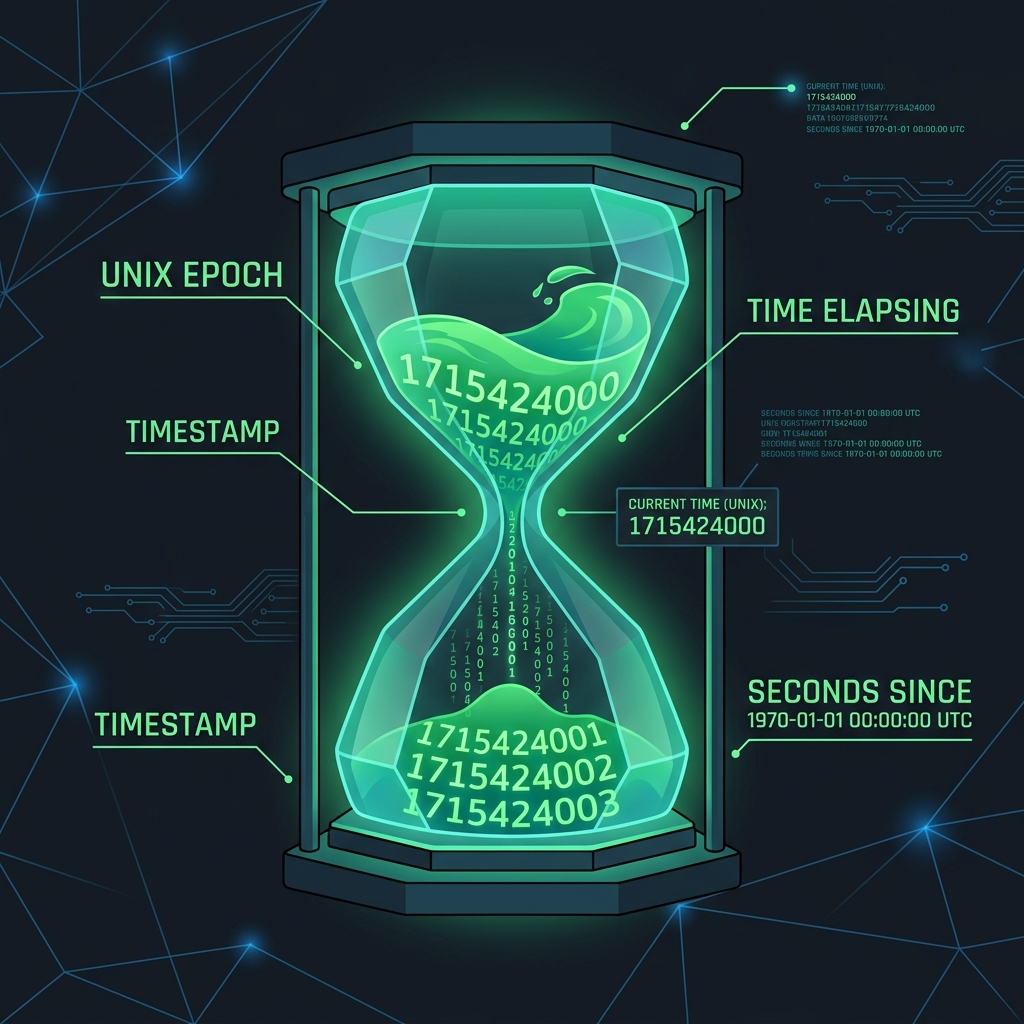
If you've ever queried a database or worked with a modern API, you've likely seen dates returned not as "October 12, 2026", but as a massive, intimidating string of numbers like 1791800000. This is a Unix Timestamp, and it is the universal backbone of timekeeping in computer science.
Handling dates and times in programming is notoriously difficult. Timezones change, daylight saving time starts and stops unpredictably, and leap years introduce extra days. To solve this chaotic reality, the engineers who built the Unix operating system decided to invent their own absolute timeline.
The Origin: January 1, 1970
A Unix Timestamp is simply the number of seconds that have elapsed since January 1, 1970, at 00:00:00 UTC. This exact moment in history is known as the "Unix Epoch".
Why 1970? Because in the early 1970s, storage was incredibly expensive. Storing a date as a human-readable string like "1970-01-01 00:00:00" takes up nearly 20 bytes of memory. Storing it as a single 32-bit integer took only 4 bytes. By making the starting point near the time Unix was invented, they maximized the amount of future time they could store within those 4 bytes.
Why Developers Love Unix Timestamps
The primary reason Unix time is universally adopted across APIs, databases, and microservices is that it has no timezone. It represents a single, absolute moment in time globally.
If you save an event in a database using local server time ("03:00 PM EST"), and later migrate your server to London, all your math breaks. But if an event happens at timestamp 1700000000, that number is identical whether the user querying it is in Tokyo, New York, or Paris. The frontend application simply takes that integer and mathematically converts it to the user's local timezone on their screen.
Convert Timestamps Instantly
Don't try to calculate seconds mentally. Use our offline tool to instantly translate 10-digit or 13-digit timestamps into human-readable dates in your local timezone.
Open Timestamp ConverterSeconds vs Milliseconds (The 10 vs 13 Digit Rule)
One of the most common bugs in web development is passing a timestamp to a function and getting a date in the year 1970 or the year 52,000. This happens because of a mix-up between seconds and milliseconds.
- Standard Unix Time (Seconds): A 10-digit number (e.g.,
1700000000). This is the standard in Linux, PHP, and most backend databases like MySQL. - JavaScript Time (Milliseconds): A 13-digit number (e.g.,
1700000000000). JavaScript'sDate.now()function includes milliseconds for higher precision.
If you feed a 10-digit backend timestamp into JavaScript without multiplying it by 1000, JavaScript assumes you are talking about the first few days of January 1970.
// Correctly handling a Unix timestamp in JavaScript
const backendTimestamp = 1700000000;
const dateObject = new Date(backendTimestamp * 1000);

console.log(dateObject.toLocaleDateString()); // Converts to local user timezone
The Year 2038 Problem (Y2K38)
Unix time has a looming deadline. Because it was originally stored as a signed 32-bit integer, the maximum number it can hold is 2,147,483,647.
On January 19, 2038, at 03:14:07 UTC, the Unix clock will hit that maximum number. One second later, the integer will overflow, flipping to a negative number. Legacy systems that haven't been upgraded to 64-bit architecture will suddenly believe the year is 1901, causing catastrophic failures in software worldwide.
Fortunately, almost all modern hardware, databases, and programming languages (like 64-bit Linux kernels and modern Node.js) have already transitioned to 64-bit time, pushing the next overflow billions of years into the future.
Frequently Asked Questions (FAQ)
Does Unix time account for leap seconds?
Surprisingly, no. Unix time assumes every day has exactly 86,400 seconds. When the world adds a "leap second" to adjust to Earth's rotation, Unix systems typically just repeat the same timestamp twice to stay synchronized without breaking math calculations.
Can a Unix Timestamp be negative?
Yes. Any timestamp less than 0 represents a date before the Unix Epoch (January 1, 1970). For example, -86400 represents exactly December 31, 1969.
Why does my converted date always show up as 1970?
You are likely passing a 10-digit timestamp into a function that expects 13 digits (milliseconds). Multiply your timestamp by 1000 before converting it.