
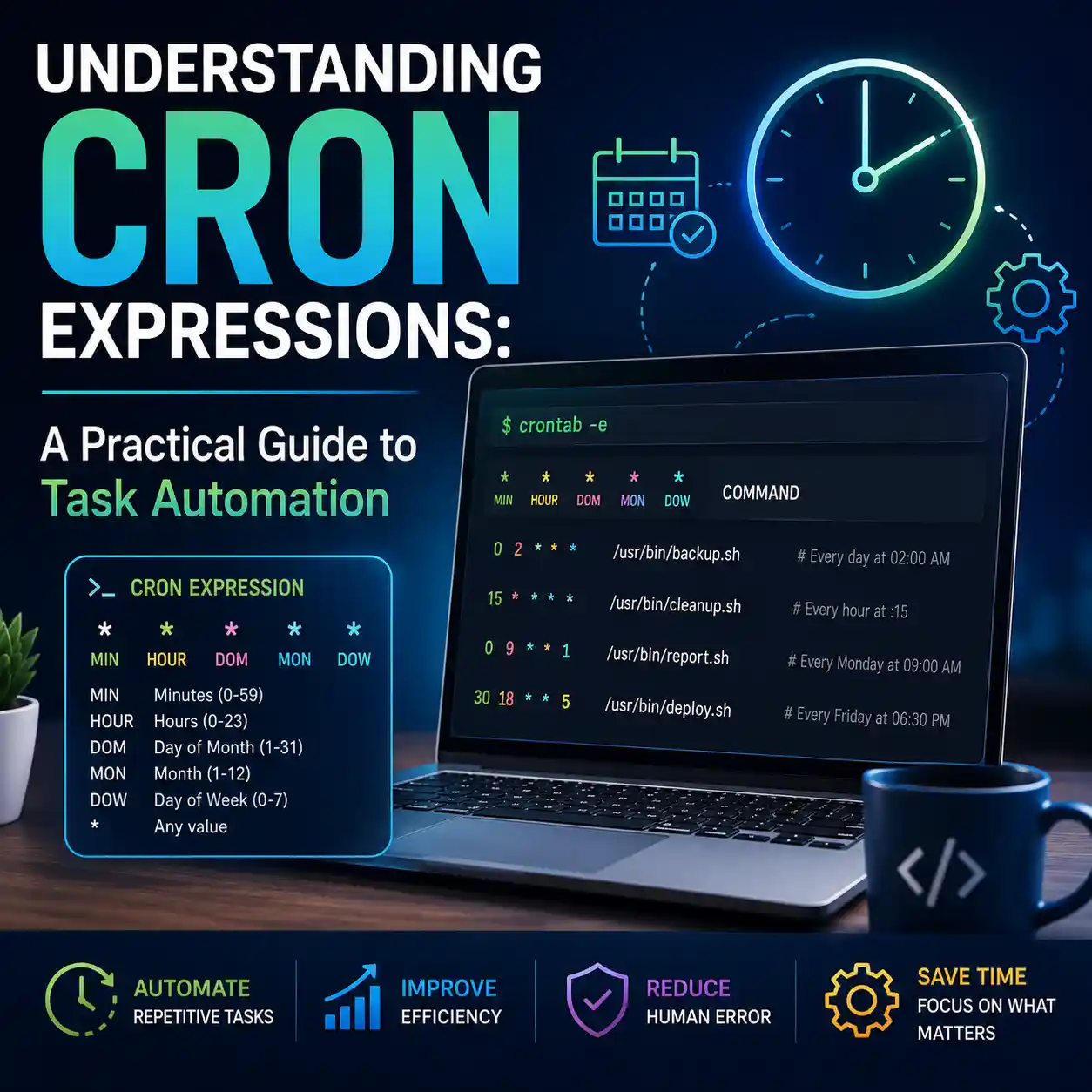
If you've ever managed a Linux server, worked in backend development, or set up automated cloud functions, you've likely encountered a string that looks something like this: 0 2 * * *. For the uninitiated, it looks like a typo left on the keyboard. For system administrators, it's the heartbeat of modern infrastructure automation: a Cron Expression.
Cron is the invisible engine running the internet. It ensures your database backs up at 3:00 AM, it triggers the emails you receive every Monday morning, and it clears out temporary server files before they crash the system. But despite its power, the syntax is notoriously difficult for humans to parse. In this deep dive, we will demystify the asterisks and teach you how to read and write cron schedules like a seasoned DevOps engineer.
What is Cron and the Crontab?
Cron is a time-based job scheduler found in Unix-like computer operating systems. The name "cron" comes from the Greek word for time, chronos. Users who set up and maintain software environments use cron to schedule jobs (commands or shell scripts) to run periodically at fixed times, dates, or intervals.
The Crontab (Cron Table) is the configuration file where these schedules are stored. When you edit your crontab via the terminal, you are writing a list of instructions telling the server exactly what to execute and when.
Deconstructing the 5 Asterisks
A standard cron expression consists of 5 fields separated by white space. Each field represents a specific unit of time, and they are always read from left to right in this exact order:
* * * * *  command_to_execute
- - - - -
| | | | |
| | | | +----- Day of the Week (0 - 6) (Sunday=0 or 7)
| | | +------- Month (1 - 12)
| | +--------- Day of the Month (1 - 31)
| +----------- Hour (0 - 23)
+------------- Minute (0 - 59)
An asterisk (*) means "every possible value for this field". So, the expression * * * * * literally translates to: "Run every minute, of every hour, of every day, of every month, of every day of the week."
Syntax Modifiers: Steps, Ranges, and Lists
The power of cron comes from its modifiers. You aren't limited to just specific numbers or "everything".
1. The Step Modifier (/)
If you want a script to run every 15 minutes, you use a step. */15 * * * * means "every minute that is divisible by 15". It will run at 0, 15, 30, and 45 past the hour.
2. The Range Modifier (-)
If you only want a script to run during business hours, you use a range. 0 9-17 * * * means "run at minute zero, every hour from 9 AM to 5 PM".
3. The List Modifier (,)
If you want something to run on specific, non-sequential days, use a list. 0 0 1,15 * * means "run at midnight on the 1st and the 15th of the month".
Stop Guessing Cron Expressions
Don't risk running a backup script every minute instead of every month. A single typo can crash a production server. Use our interactive visual generator to build and validate cron strings safely.
Open Cron Job GeneratorThe Most Dangerous Cron Mistake
The most common and catastrophic mistake developers make is confusing the "Minute" field. Let's look at a scenario where you want to run a database cleanup script once an hour at 2:00 AM.
The Mistake: * 2 * * *
If you write the above, you are telling the server to run the script "Every minute, during the 2nd hour of the day". Your heavy database cleanup script will trigger 60 times in a row, likely overloading your CPU, locking database tables, and causing a massive outage.
The Correct Way: 0 2 * * *
This explicitly tells the server to run only at "Minute zero, of the 2nd hour". It will execute exactly once at 2:00 AM.
Frequently Asked Questions (FAQ)
Does cron account for Timezones?
By default, cron evaluates expressions based on the local system time of the server it is running on. If your server is hosted in an AWS region in London, it runs on UTC/GMT. You must account for timezone differences if your users are in New York or Tokyo.
Can I schedule a cron job to run every second?
No. Standard Unix cron is limited to a one-minute resolution. If you need sub-minute scheduling (e.g., every 10 seconds), you must use a separate daemon tool, or write a script that runs every minute but loops internally with sleep commands.
What do strings like @daily or @hourly mean?
Many modern implementations of cron support non-standard predefined macros to make scheduling easier. @daily is exactly the same as 0 0 * * * (midnight every day). @hourly is the same as 0 * * * *. While useful, they are not universally supported across all legacy systems.